Key takeaways
Fill, sign, and submit Roosevelt Middle School Cornell Notes from any browser — or have AI generate a custom version in seconds. No installs, no printing, no back-and-forth.
- The Cornell Notes Template is an academic tool used to organize and summarize information from lectures or readings.
- Students use this template to create structured study guides and review class materials more effectively.
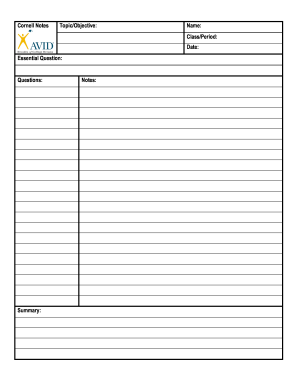
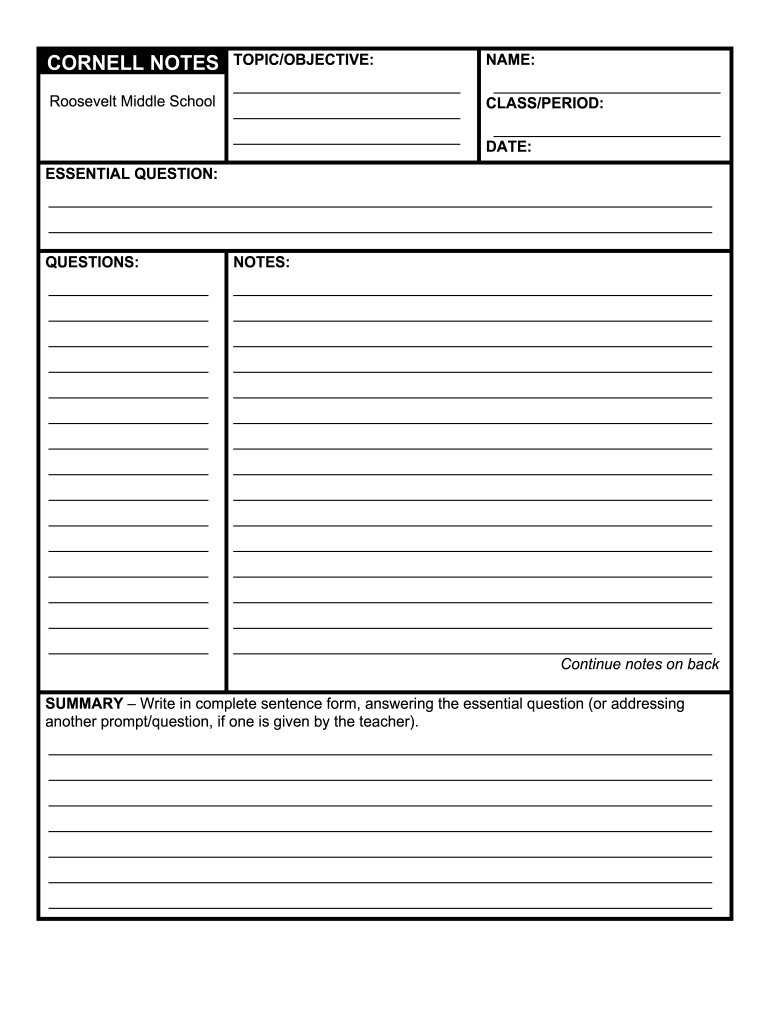
- The document includes fields for the student's name, class period, date, and the specific topic or objective being studied.
- Dedicated sections prompt users to record essential questions, detailed notes, and a concise summary in complete sentences.
- A self-assessment section allows students to evaluate their own note-taking quality with a simple yes or no response.
- Users can fill, edit, and store these templates in pdfFiller's secure cloud storage for organized academic recordkeeping.
What is Roosevelt Middle School Cornell Notes?
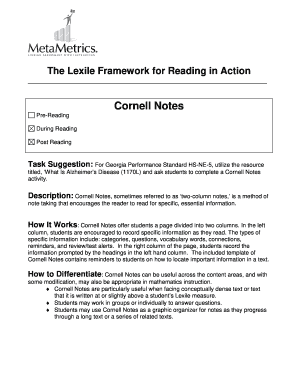
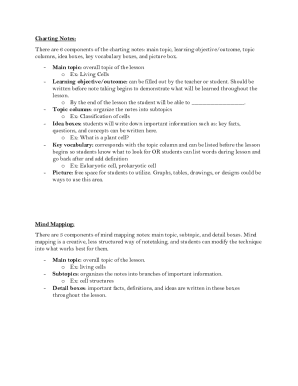
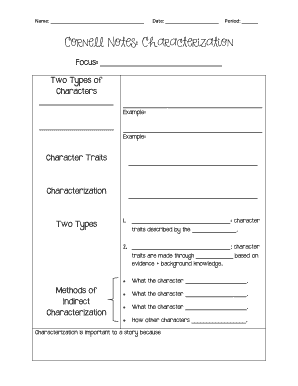
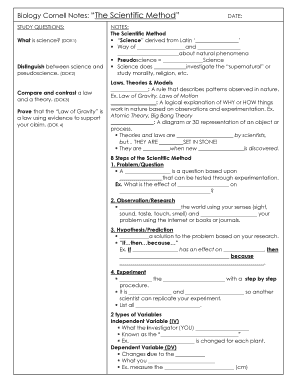
Cornell Notes Template is a structured educational document used by students to organize and summarize information from lectures or readings. This note taking form is designed to help learners review and study material effectively by prompting them to write questions and summarize their findings. By providing a systematic layout for capturing objectives and essential questions, the template encourages active engagement with academic content. It serves as a personal record to support comprehension and retention of complex topics discussed during class or independent study.
The template captures specific information including the user's name, class or period, and the date. It features dedicated sections for identifying the topic or objective and any essential questions related to the material. There are separate fields for recording detailed notes alongside corresponding questions to aid in future review. Additionally, the form includes a summary area for synthesizing the information in complete sentences and a self-assessment section where students can evaluate their note-taking performance with a yes or no response.
This template is a general academic tool and is not associated with a specific issuing authority.
Who needs the Roosevelt Middle School Cornell Notes — and who doesn't
Not everyone files Roosevelt Middle School Cornell Notes. The checklist below tells you whether it applies to your situation — and points you to the right alternative if it doesn't.
You need this Roosevelt Middle School Cornell Notes if…
- you are a student who needs to organize and summarize information from academic lectures or readings
- you want to improve your study habits by using a structured template to review material effectively
- you need a dedicated space to write down essential questions and objectives for your class sessions
- you intend to self-assess your note-taking process and summarize your learning in complete sentences
You do not need this Roosevelt Middle School Cornell Notes if…
- you do not require a structured format for capturing and reviewing academic information
- you are not a student or an individual engaged in lecture-based or reading-heavy learning environments
Why you need the Roosevelt Middle School Cornell Notes
Why people fill out Roosevelt Middle School Cornell Notes, and what tends to go wrong when they don't.
-
Enhance Information Retention The template is designed to help students review and study material effectively by prompting you to write questions and summarize your notes in complete sentences, ensuring deeper engagement with the material.
-
Structure Complex Topics Use the dedicated sections for essential questions and objectives to organize information from lectures or readings. This structured layout helps you identify and focus on the most important academic concepts.
-
Streamlined Digital Management pdfFiller is an online platform for editing, completing, and managing PDF documents and forms. You can fill and edit this template in your browser, then save, download, or share finished notes.
-
Track Learning Progress The self-assessment section allows you to evaluate your own understanding of the material. Keeping these records helps you monitor your academic growth and identify topics that require further review before exams.
What each section of Roosevelt Middle School Cornell Notes means
Every section explained — what it's asking, the records you'll need on hand, and the mistakes that most often cause a rejection or follow-up request.
| Full Name | In this fillable field, the student enters their name to identify the owner of the study template and academic notes. |
|---|---|
| Class or Period | The filer provides the name of the specific class or the period during which the notes are being taken for organization. |
| Document Date | This fillable field is used to record the date the notes were taken to maintain an organized record of academic material. |
| Topic or Objective | The user enters the specific topic or learning objective of the lecture or reading to clarify the focus of the document. |
| Essential Question | This section is for recording essential questions related to the material, helping the student focus on the core concepts being studied. |
| Note Questions | Students use this section to write specific questions related to their notes, which assists in reviewing and studying the material effectively. |
| Lecture Notes | This primary section is designated for taking detailed notes from lectures or readings to capture and organize important information. |
| Information Summary | The filer summarizes the notes using complete sentences in this section to help consolidate the main ideas from the lecture or reading. |
| C-Notes Self-Assessment | This section prompts a 'Yes' or 'No' response from the student to perform a self-assessment of their Cornell notes. |
How to fill out Roosevelt Middle School Cornell Notes using pdfFiller
A walkthrough from the first field to the signature line. With your records in front of you, most people finish in under ten minutes.
-
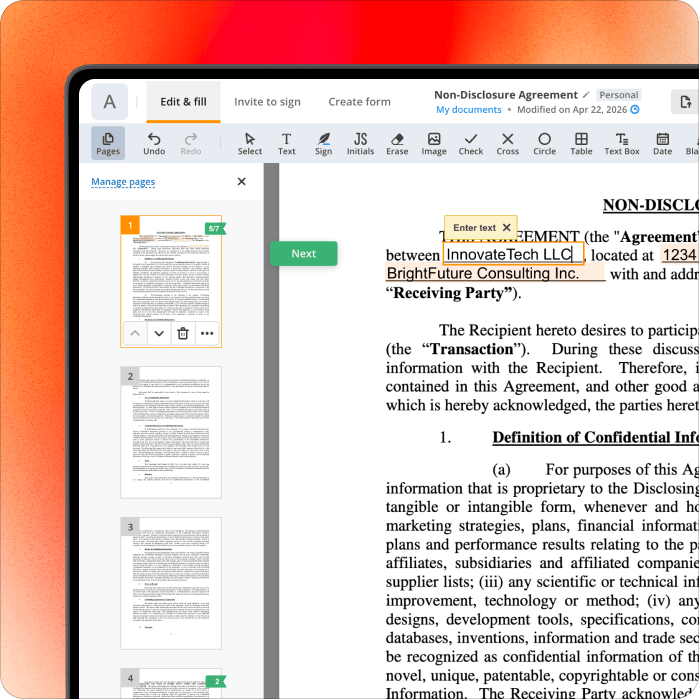
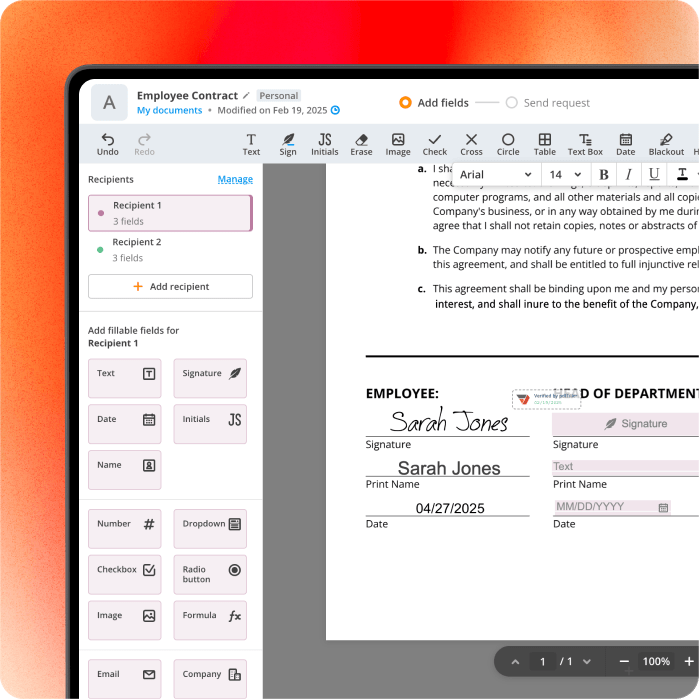
Open the Template Click Get Form to open Cornell Notes Template in the pdfFiller editor. This online platform allows you to edit and manage your documents directly within your web browser.
-
Enter Personal Information Click the Name and Class/Period fields to type your identification details and the specific academic period for which you are recording information on this cornell notes template.
-
Set the Date Select the Date field to input the current day of your lecture or reading session, ensuring your note taking form is organized chronologically for efficient future study sessions.
-
Define Study Objectives Navigate to the Topic/Objective and Essential Question sections to type the main subject and the primary inquiry that your notes will address during your academic review or research.
-
Record Detailed Notes Fill in the Questions and Notes sections by typing specific inquiries and the corresponding information you gather from your lecture or reading materials in the provided fillable areas.
-
Summarize the Material Click the Summary section to type a concise recap of the information in complete sentences, which helps you synthesize the core concepts and improve your overall material retention.
-
Complete Self-Assessment Locate the Self-assessment of C-notes section and provide a Yes or No response to evaluate the quality of your notes and ensure you have met your learning goals.
-
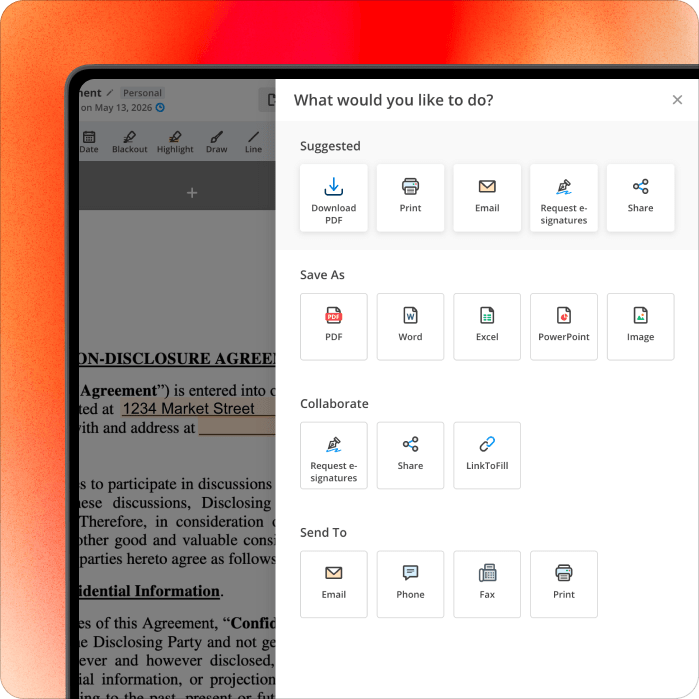
Save and Download Review your completed document for accuracy, then click Done to save your progress. You can download the finished PDF or share it with others via a secure link.
Key terms used in Roosevelt Middle School Cornell Notes
A one-sentence glossary of the Roosevelt Middle School Cornell Notes terms and concepts you'll see throughout this guide.
- Essential Question
- A core question that frames the lecture or reading and guides the focus of the note-taking process.
- Topic/Objective
- A field used to identify the specific subject matter or the learning goals for a particular study session.
- Summary
- A concluding section where students synthesize their notes into complete sentences to reinforce understanding of the material.
- Self-assessment of C-notes
- A review section where the user evaluates their note-taking quality by providing a simple response.
- Questions
- A dedicated area for recording inquiries or cues related to the main content to aid in future review.
- Class/Period
- A fillable field used to organize notes by specific academic courses or scheduled time blocks.
Frequently asked questions about Roosevelt Middle School Cornell Notes
Quick answers to the questions we hear most often about completing the Roosevelt Middle School Cornell Notes.
The Cornell Notes Template is designed to help students organize and summarize information from lectures or readings to improve their study efficiency. By using a structured layout for questions and notes, it encourages active learning and makes it easier to review complex material before exams or during academic research.
Students are the primary users of the Cornell Notes Template to manage their academic records and class assignments. This template is a versatile tool for learners at various levels who need a reliable system for tracking information during lectures, textbook readings, or classroom discussions to create effective study materials.
This template includes fields for the user's name, class, date, topic, essential questions, notes, and a concluding summary section. It also features a self-assessment area for C-notes where students can provide a Yes or No response to evaluate whether they have correctly followed the structured note-taking method.
The Cornell Notes Template features a dedicated summary section where students are prompted to write a synthesis of their notes in complete sentences. This requirement helps reinforce the core concepts of the lesson, ensuring that the student understands the most important takeaways and has a concise overview for future review.
You can use pdfFiller to fill out, edit, and share the Cornell Notes Template directly within your web browser. This online platform allows you to complete text fields, save your work in secure encrypted storage, and share the final document with others by link or email for collaborative study and review.
The self-assessment section allows students to evaluate their adherence to the Cornell note-taking method by providing a Yes or No response. This prompt encourages students to reflect on the quality of their notes and ensures they have included all necessary components, such as questions and a summary, for effective learning.